Notification settings
Configure in-app notification preferences for your account. Settings are saved per user.
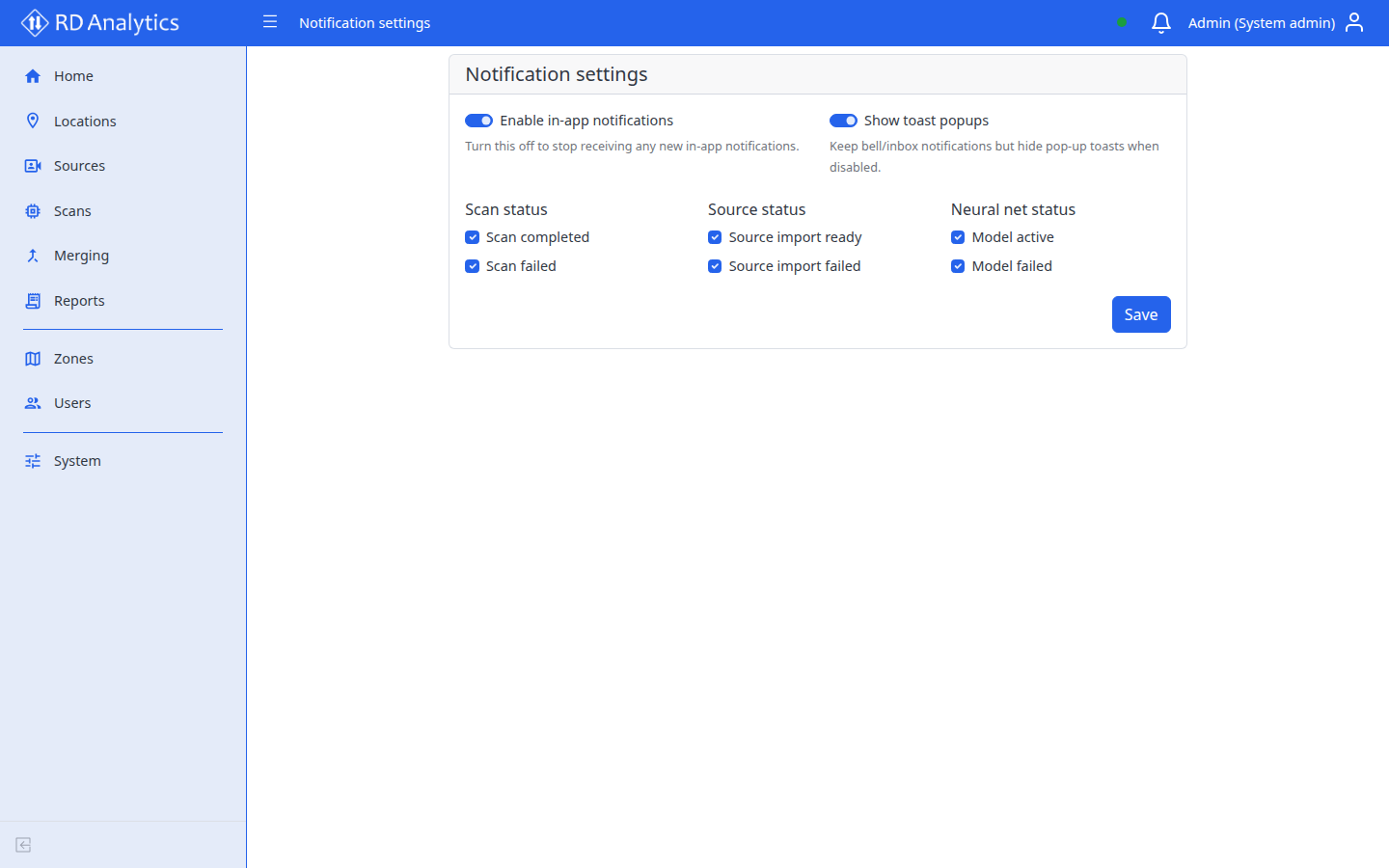
Master toggles
| Control | Description |
|---|---|
| Enable in-app notifications | Master switch — off stops all new in-app notifications |
| Show toast popups | When off, notifications still appear in the bell/inbox but pop-up toasts are hidden |
When toasts are on, clicking a toast can confirm / mark that notification as read (same idea as acknowledging items in the bell).
Event types
Toggle which events generate notifications:
| Group | Events |
|---|---|
| Scan status | Scan completed, Scan failed |
| Source status | Source import ready, Source import failed |
| Neural net status | Model active, Model failed |
Select Save to persist changes.