Zones
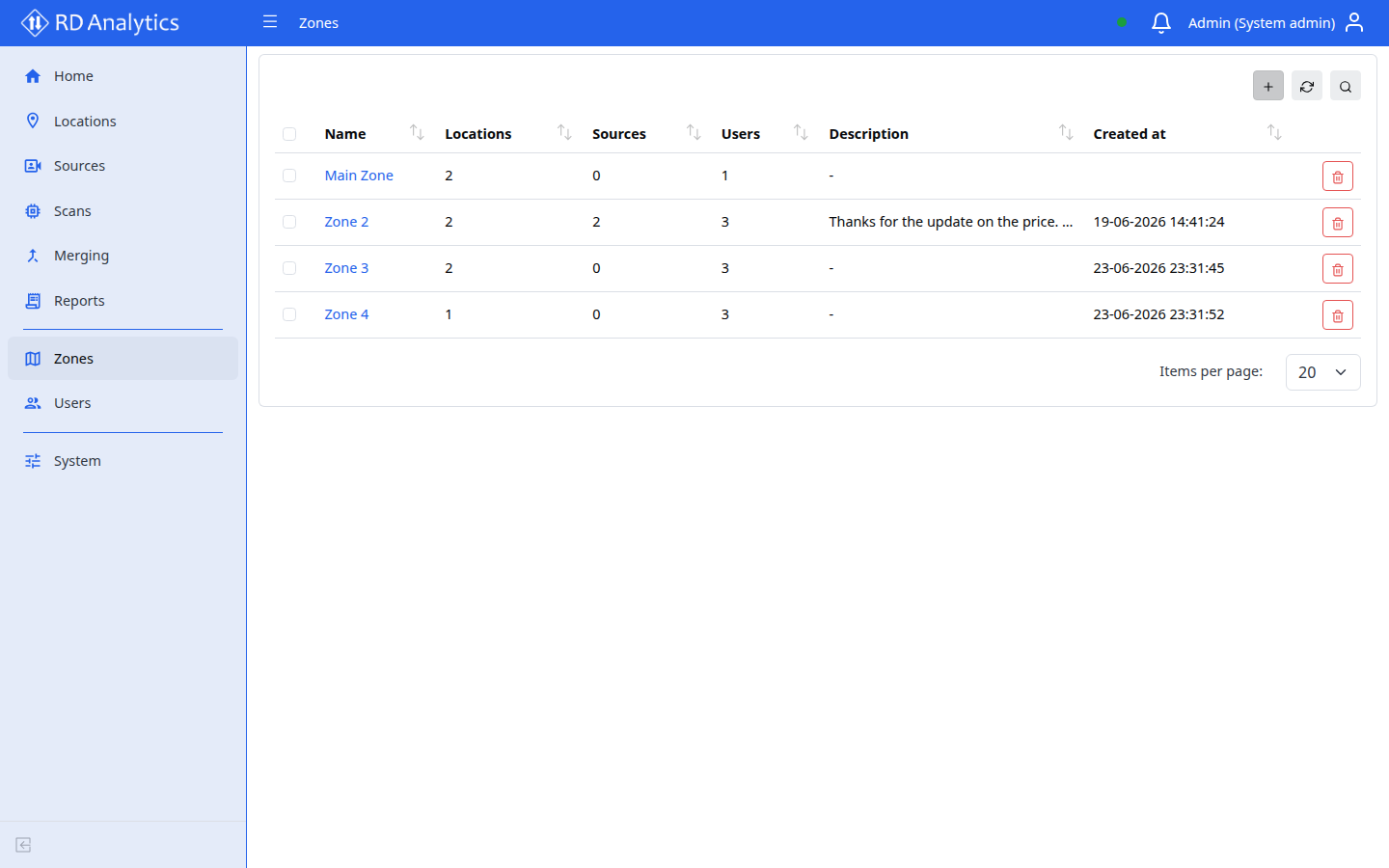
Zones are organizational and security groupings. Locations are assigned to zones; Users can be assigned to one or more zones to scope access.
Who uses this
- System admin only.
- Engineers and Viewers do not see Zones in the sidebar.
Key concepts
| Term | Meaning |
|---|---|
| Zone | Named group with optional description |
| Sources (column) | Count of sources in zone (read-only) |
| Users (column) | Count of users in zone (read-only) |
List columns
| Column | Description |
|---|---|
| Name | Zone name |
| Sources | Source count (API) |
| Users | User count (API) |
| Description | Text |
| Created at | Timestamp |
Create a zone
Requires: System admin. Creating additional zones also requires the license feature multi_user when more than one zone already exists — see Licensing.
- Open Zones.
- Select Add new.
- Enter Name (required) and Description (optional).
- Select Save.
Validation: Zone name is required.
Edit a zone
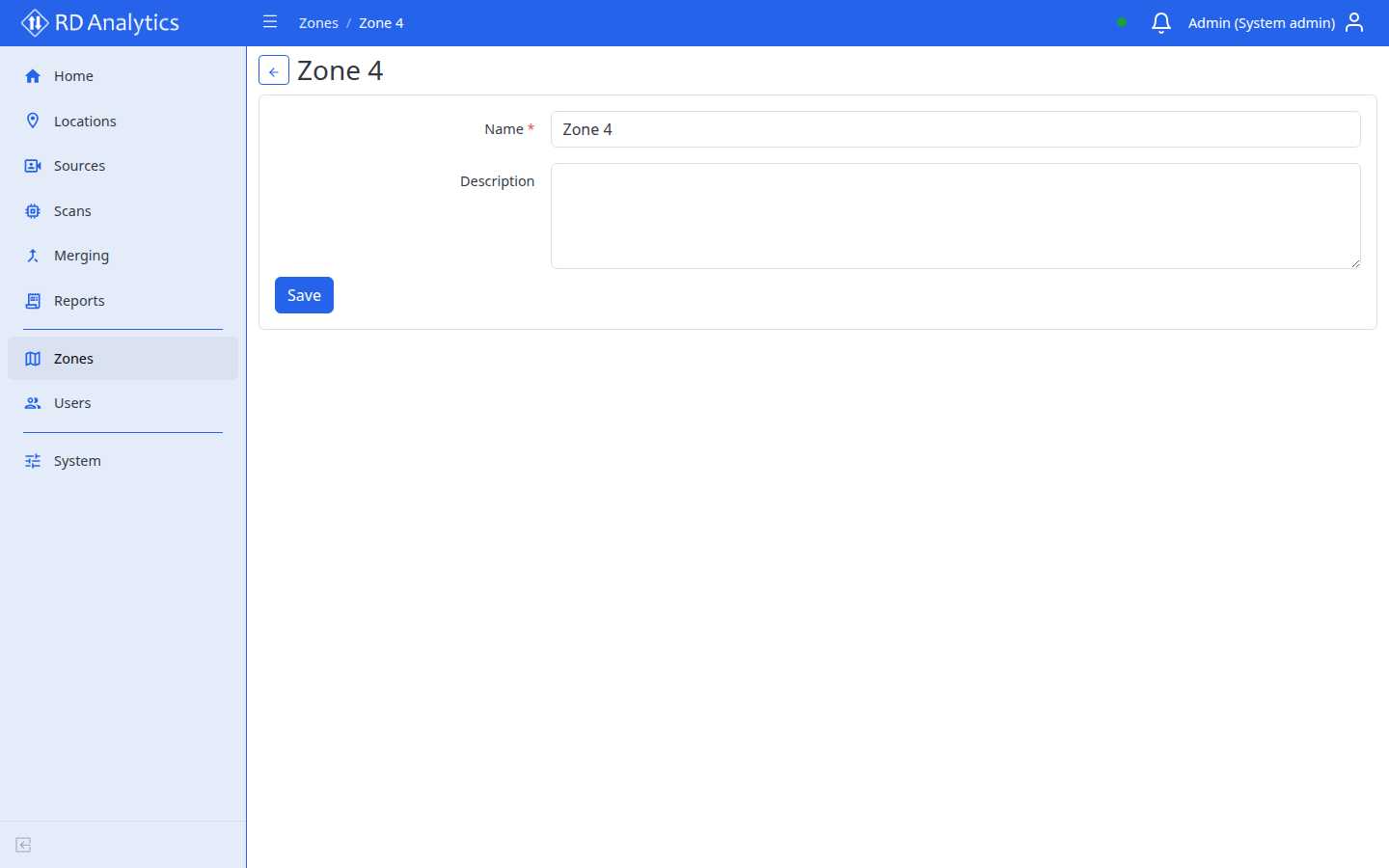
- Click a zone row to open its details page.
- Update Name or Description.
- Select Save.
Delete
- Row Delete or bulk Delete selected.
- Confirm Delete confirmation.