User roles and permissions
Authority values as shown in the UI and enforced in the application.
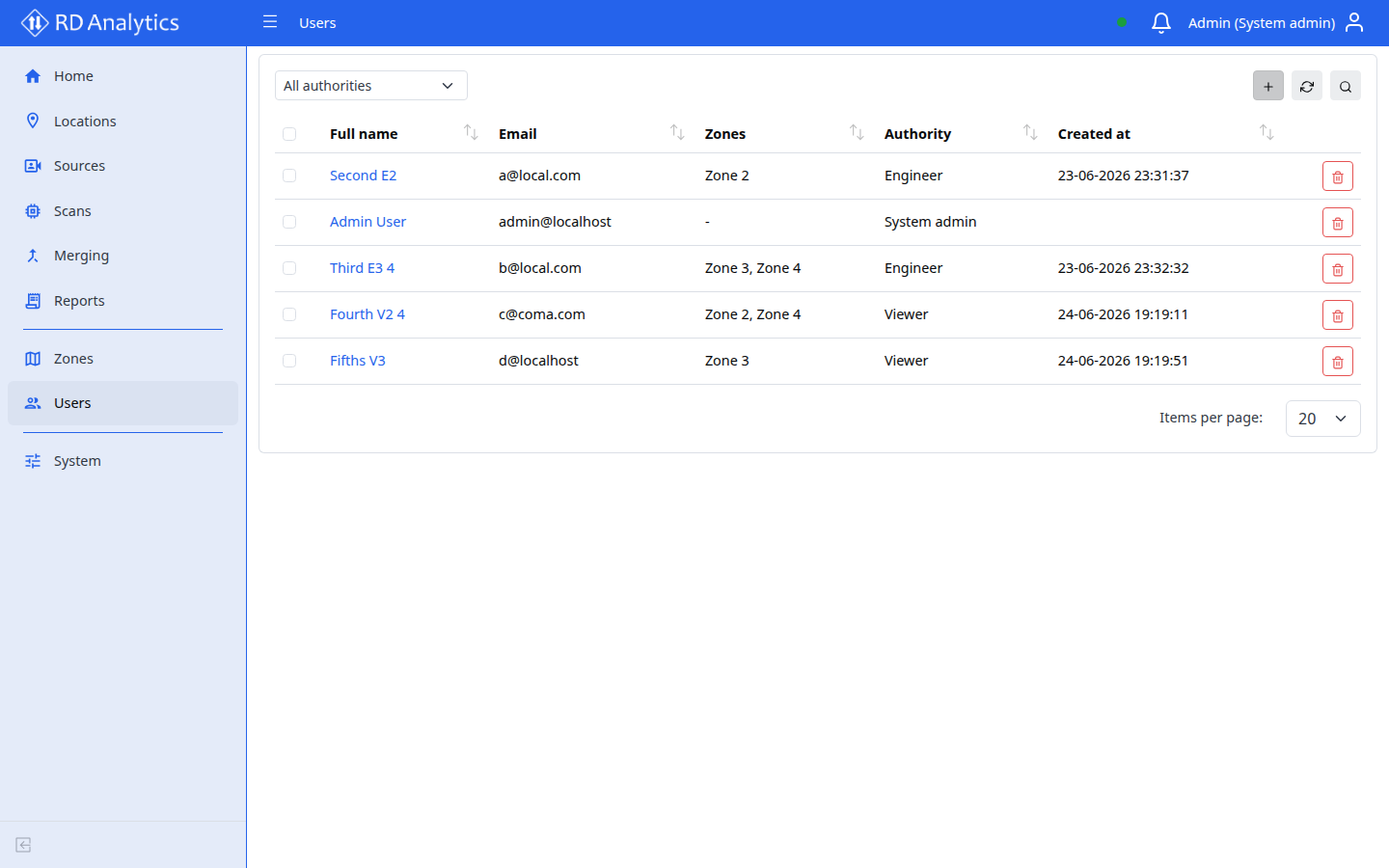
| Authority | UI label | Menu access | Mutations |
|---|---|---|---|
SYS_ADMIN |
System admin | Full sidebar including Zones, Users, and System | Yes |
ENGINEER |
Engineer | Home, Locations, Sources, Scans, Merging, Reports | Yes (create / edit / run / delete) |
VIEWER |
Viewer | Same operational pages as Engineer | No — read-only |
ANONYMOUS |
Anonymous | Not signed in (login page only) | — |
Feature access notes
| Area | Typical authorities |
|---|---|
| Locations, Sources, Scans, Reports, Merging | Engineer and Viewer (Viewer read-only); System admin |
| System (General, AI-Models, Class groups, Licensing, Modules, API keys, Maintenance) | System admin |
| Zones, Users | System admin |
Info
Viewer can open workflow pages but cannot create, edit, run, or delete resources. Use Engineer for day-to-day operations. First-time install uses the default System admin account — see Getting started.
Related pages
- User roles and access
- Permission denied
- Licensing —
multi_userand feature flags