Permission denied and missing menu items
If you cannot open a page or a sidebar item is missing, your authority may not include that area — or the license may block the action.
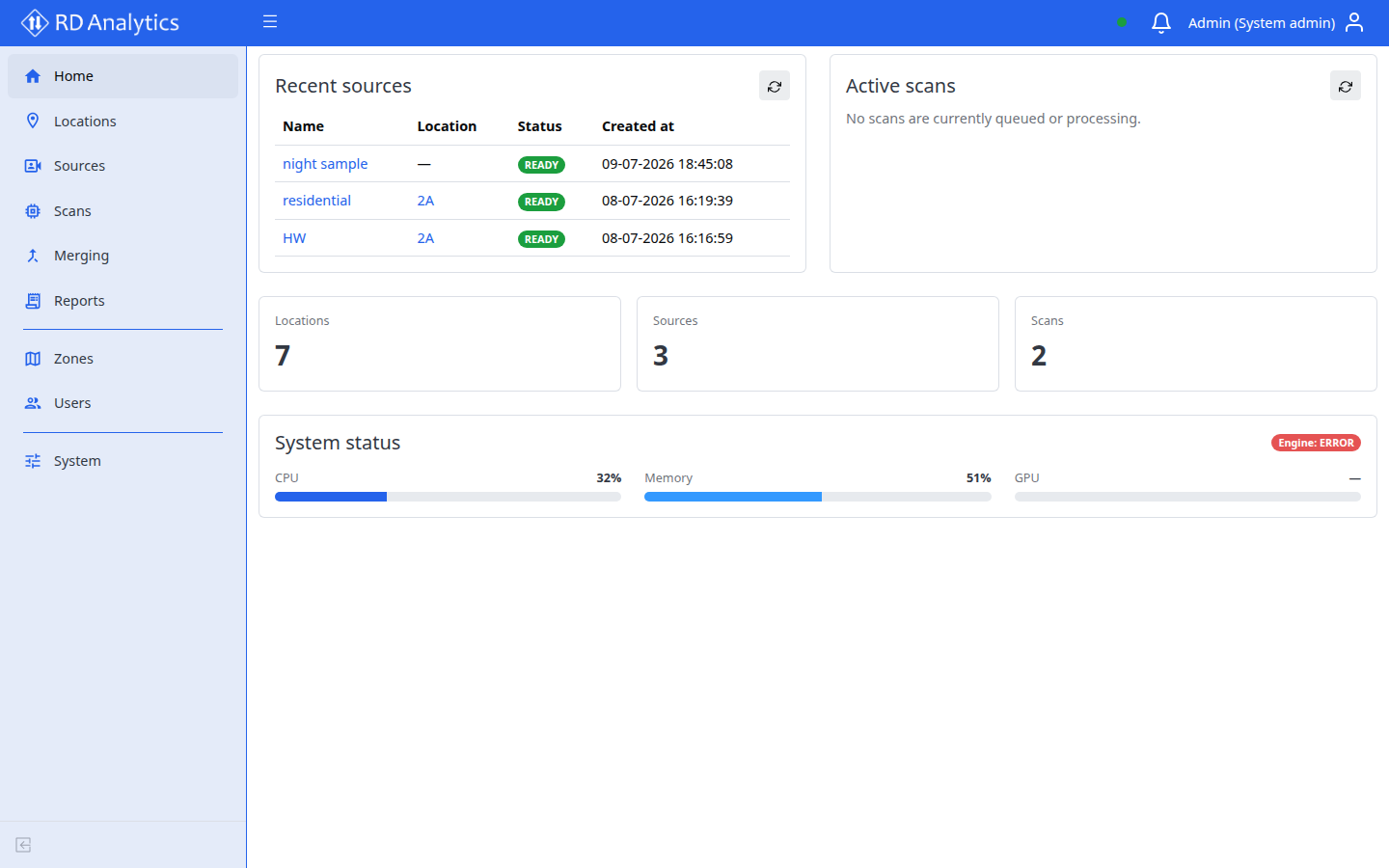
Check your role
See User roles and permissions. Common cases:
| Symptom | Likely cause |
|---|---|
| Can browse Locations / Sources / Scans / Reports / Merging but cannot save or run | Viewer — read-only operational access |
| No Zones, Users, or System in the sidebar | Engineer or Viewer account (System admin only) |
| Redirect to Home when opening a URL | Route guard blocked access for your authority |
| Cannot create an API key, extra user, or extra zone | License missing multi_user — see Licensing |
| Optional module missing in scan settings | License feature or Modules / AI-Models not enabled |
What to do
Ask a System admin to review your user record under Users (authority and zone assignments) and, if needed, the Licensing tab.