Sources
A Source is a video input attached to a Location. Typical types are Video file and Batch of videos (Video files). The source holds the media; you analyze it by creating one or more Scans on that source.
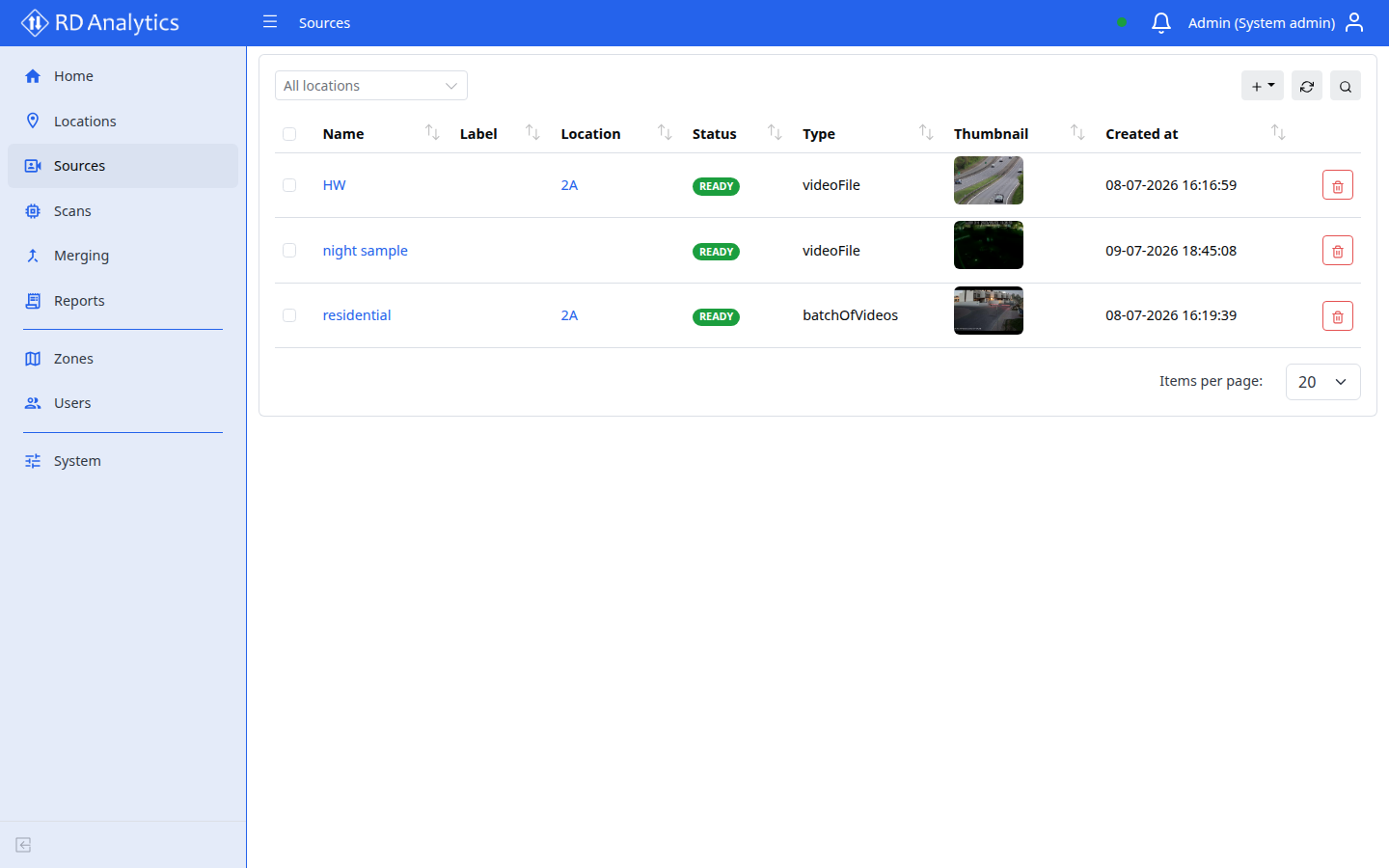
Who uses this
- Engineers and System admins create and manage sources.
- Viewers can open Sources in read-only mode.
Before you begin
- Create at least one Location.
- Prepare video files in a supported format.
Key concepts
| Term | Meaning |
|---|---|
| Type | How media is ingested (file or batch) |
| Status | Processing state (for example PENDING_UPLOAD, READY, FAILED) |
| Scans tab | Analysis setups (scans) for this source — create and open them here |
| Files tab | Uploaded and stored media files |
| Frame transform | Rotate and optional width/height resize on the Details tab |
Source types
| UI label | Description |
|---|---|
| Video file | Upload and process a single video file as one source |
| Video files / Batch of videos | Upload multiple videos together under one source |