View a report
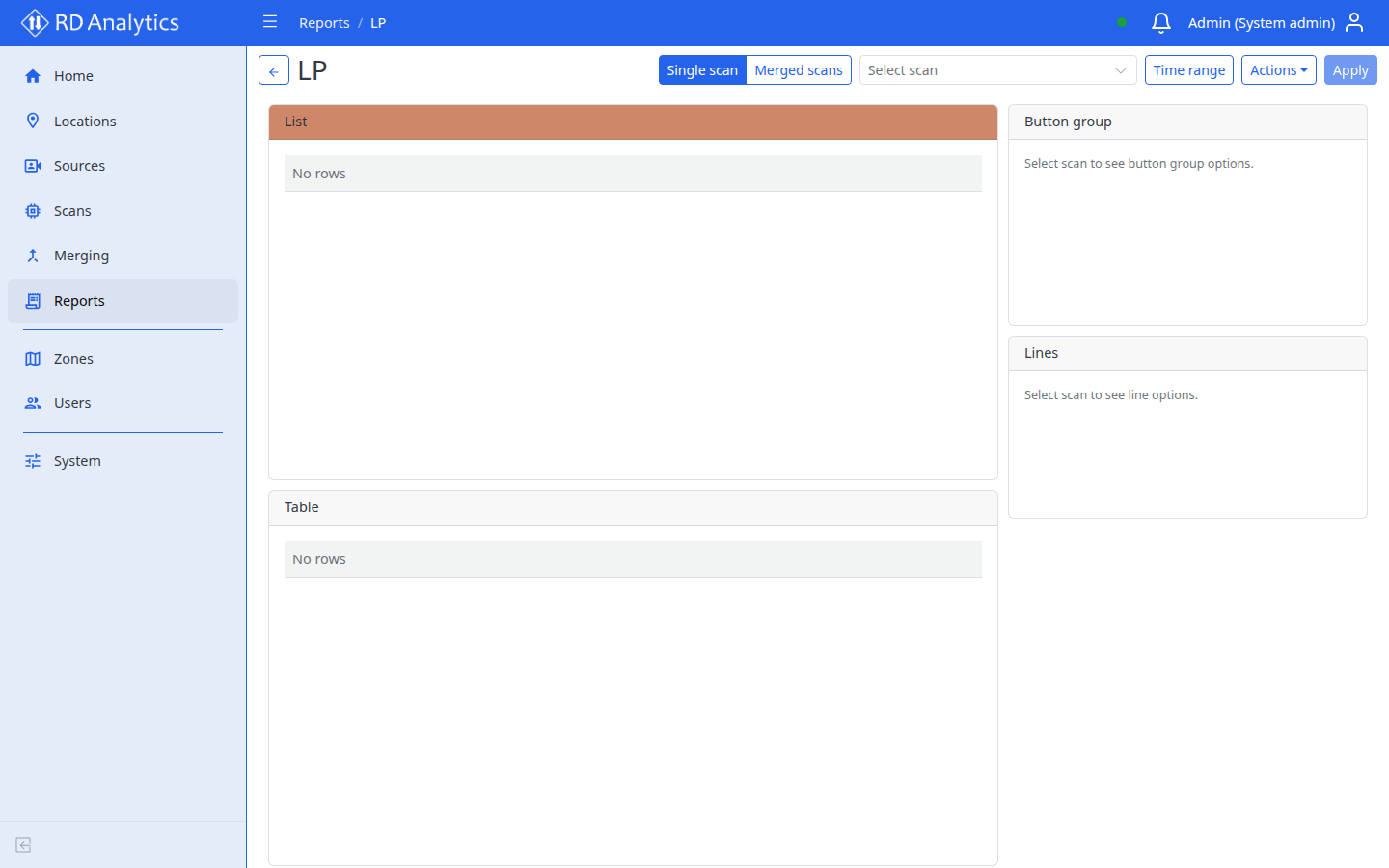
Toolbar (view mode)
| Control | Description |
|---|---|
| Back | Return to previous page |
| Title | Report name |
| Mode | Single scan or Merged scans |
| Scan / merger | Single mode: scan dropdown (SourceName: ScanName). Merged mode: Select merger (completed merges only) |
| Time range | Opens panel Time range with From / To date+time pickers |
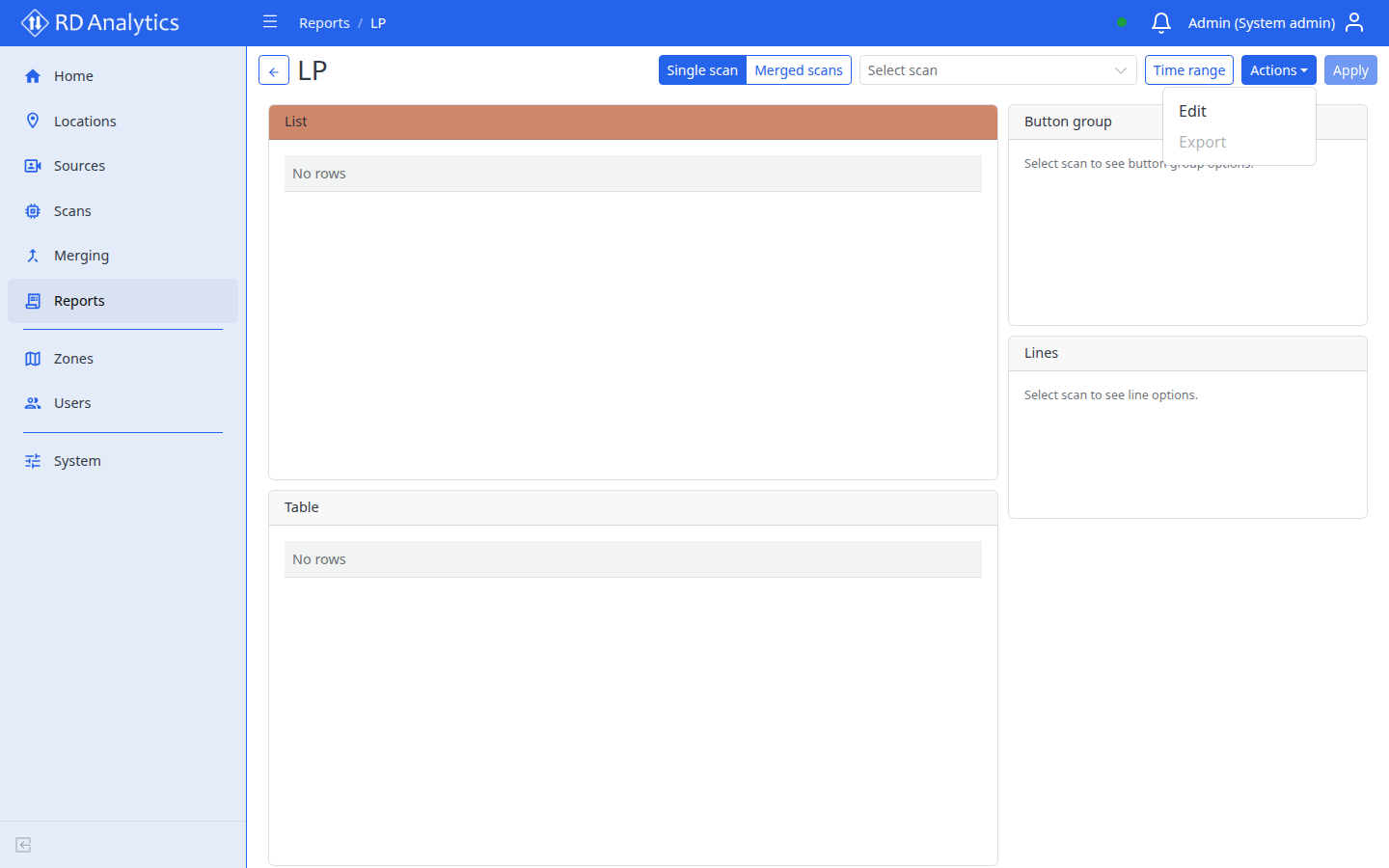
| Actions | Edit, Export (opens export dialog — CSV or Excel XLSX) |
| Apply | Load/refresh widget data |
Important
Apply sends current filter state to the server. It does not save layout changes.
Single scan vs Merged scans
| Mode | Data source |
|---|---|
| Single scan | Tracks and metrics for the selected scan |
| Merged scans | Paired / merge results for a completed merge; List widgets show Track 1 and Track 2 column groups |
Select the mode, choose a scan or merger, set the time range if needed, then Apply.
Time range
- Select Time range (or the current from–to display).
- Set From and To using date and time pickers.
- OK to confirm, Cancel to dismiss.
- Select Apply.
Widget grid
Widgets render in a responsive grid. Types include Table, List, Class group editor, charts, Filters, Lines, Button group, Total, and Scene overview — see widget types.
Empty and error states
| Widget | Message |
|---|---|
| Table | No rows or Failed to load table |
| List | Failed to load list |
| Chart | Failed to load chart |
| Filters | Date range is set in the report toolbar. |
| Lines | Select scan to see line options. |
| Total | Empty or failed load for the aggregate |
Export
Export report data from view mode (not while editing layout).
- Select the correct Scan (or merger) in the toolbar.
- Set Time range if needed.
- Select Apply so widgets show current data.
- Open Actions → Export.
| Field | Options |
|---|---|
| Format | CSV or Excel (XLSX) |
Select Export to download (Loading... while the export runs). Exports are disabled while data is loading or another export is in progress.
Note
Excel (XLSX) exports are capped at 100 000 rows. Larger result sets may be truncated or returned as a partial file — prefer CSV for very large extracts, or narrow the time range and filters before exporting.
Per-widget Export actions (in layout controls) export a single widget as CSV without opening the modal.
Enter edit layout mode
Actions → Edit — see Edit layout and add widgets.
Missing layout
If the report has no saved view, a red alert shows: Report layout not found.
Related pages
- Reports — list, create, and edit metadata
- Edit layout and add widgets
- Merging