Modules
Tab: System → Modules.
Requires: System admin.
Manage custom pipeline modules uploaded to this deployment. Built-in detectors, processors, geometry, and outputs are part of the product runtime catalog — they are not listed on this tab.
For what each shipped module does and which parameters it exposes, see Pipeline modules. Configure those modules on a scan under AI processing settings, Geometry editor, and Output settings.
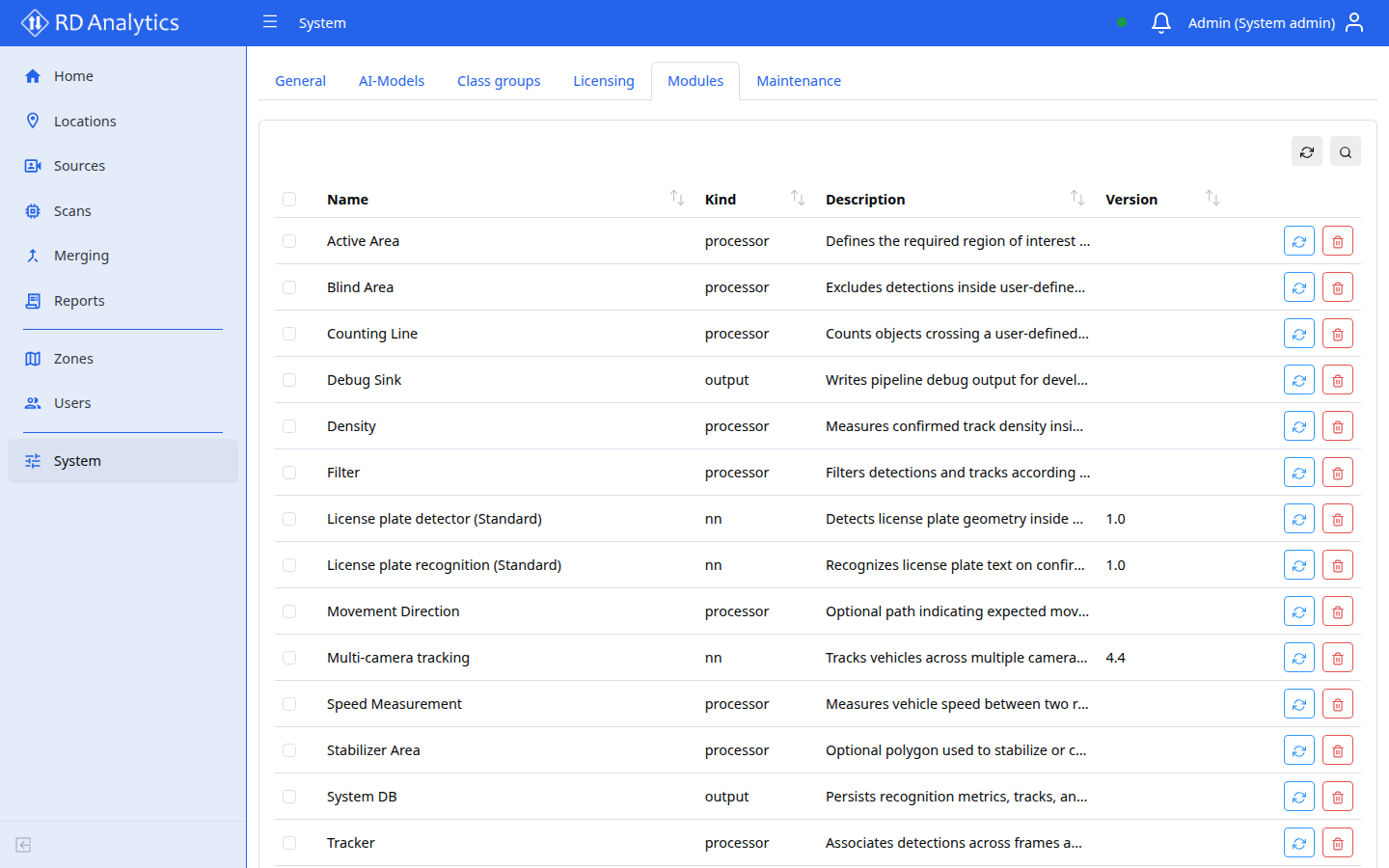
Table columns
| Column | Description |
|---|---|
| Name | Module display name |
| Kind | Module category |
| Description | Summary |
| Version | Package version |
| Action | Uninstall |
Upload a module
- Select Upload module.
- Choose a signed
.zippackage provided by Road Data Systems (or your partner packaging workflow). - Confirm upload.
On success, the UI may prompt you to restart the engine so the new module is loaded. Use Maintenance → Restart engine, or restart the engine service on the host.
Uninstall
Use Uninstall on a row to remove the custom package from disk. Review any scans that still reference that module type before uninstalling.
Partner packaging
Operators normally receive a pre-signed zip from the vendor or partner. Install that zip from this page; do not unpack or edit package contents unless your vendor instructs you to.
Related pages
- Pipeline modules — built-in catalog and parameters
- AI-Models
- AI processing settings
- Maintenance
- Licensing — optional modules may also require license features