Licensing
Tab: System → Licensing.
Requires: System admin.
Activate and review the deployment license for RD Analytics.
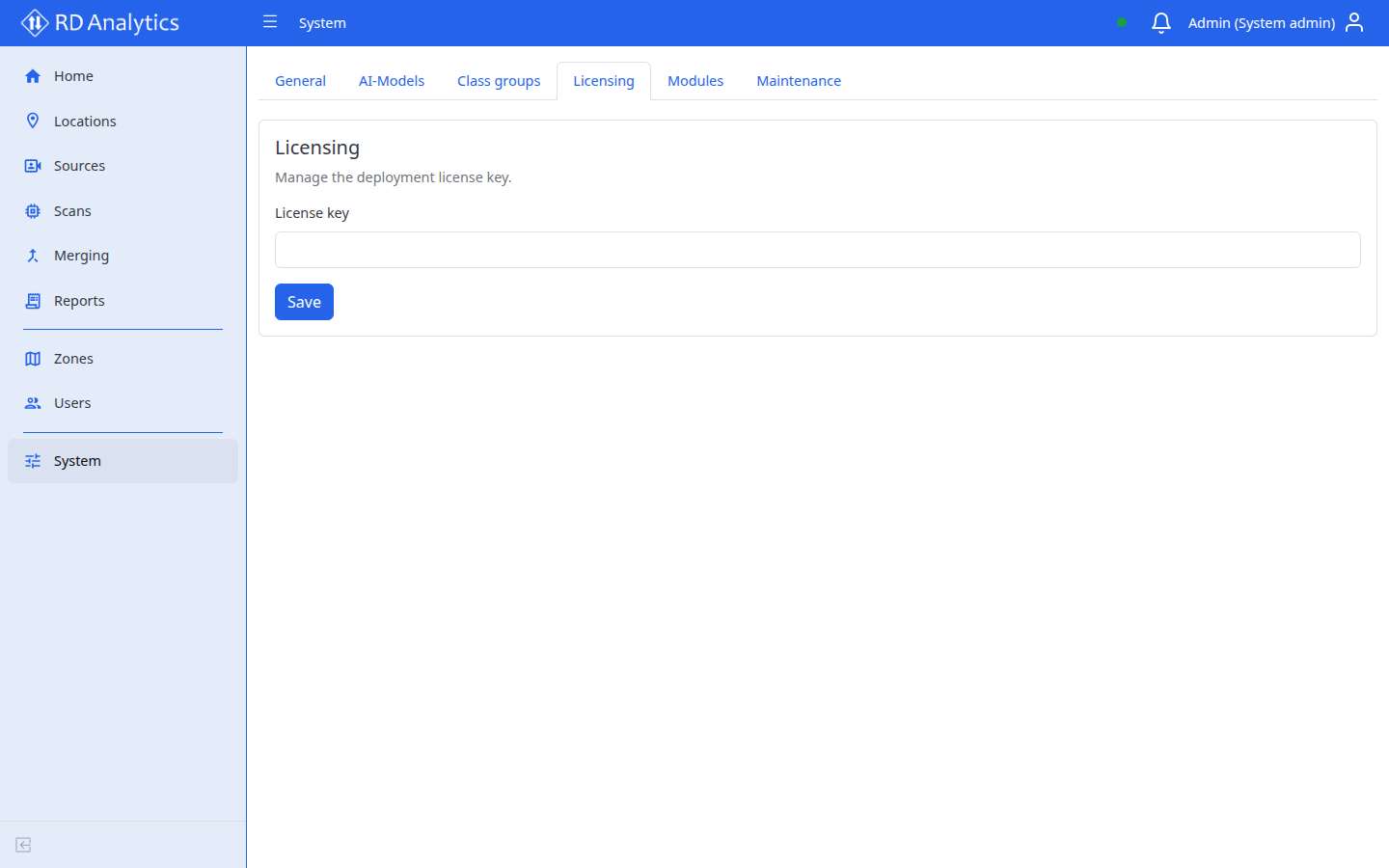
Activate or revalidate
| Action | When to use |
|---|---|
| Enter License key / code and Activate | First activation or replacing a key |
| Revalidate | Refresh status from the license service after renewals or feature changes |
Status shows lifecycle, license type (for example subscription or perpetual), processing tier, FPS budget, host ID, enabled features, and licensed modules.
Processing tier and FPS budget
| License (pricing) | Meaning |
|---|---|
| 50fps | File-based processing with a 50 FPS budget |
| Pro | Unlimited (uncapped) file-based FPS budget — hardware becomes the main limit |
| Real-time / hard zero | Special cases for stream or blocked processing |
When a scan starts, the API applies the active license budget to the engine. If starts fail with a licensing error, check this tab and your vendor entitlements.
For example PC builds matched to 50fps vs Pro, see Hardware requirements — sample configurations.
Feature flags and modules
Optional pipeline modules (for example ANPR, multicam track, video output) appear only when the matching license feature is enabled. Starting a scan that uses an unlicensed module is rejected.
Multi-user / multi-zone (multi_user)
When multi_user is not enabled:
| Action | Behavior |
|---|---|
| Create additional users | Denied if at least one user already exists |
| Create additional zones | Denied if at least one zone already exists |
| Create API keys | Denied |
Existing users, zones, and API keys remain usable after a downgrade (grandfathered). List, edit, and Data API auth with existing keys still work.