Source files tab
The Files tab shows media stored for a source — uploads, derivatives, and related file records.
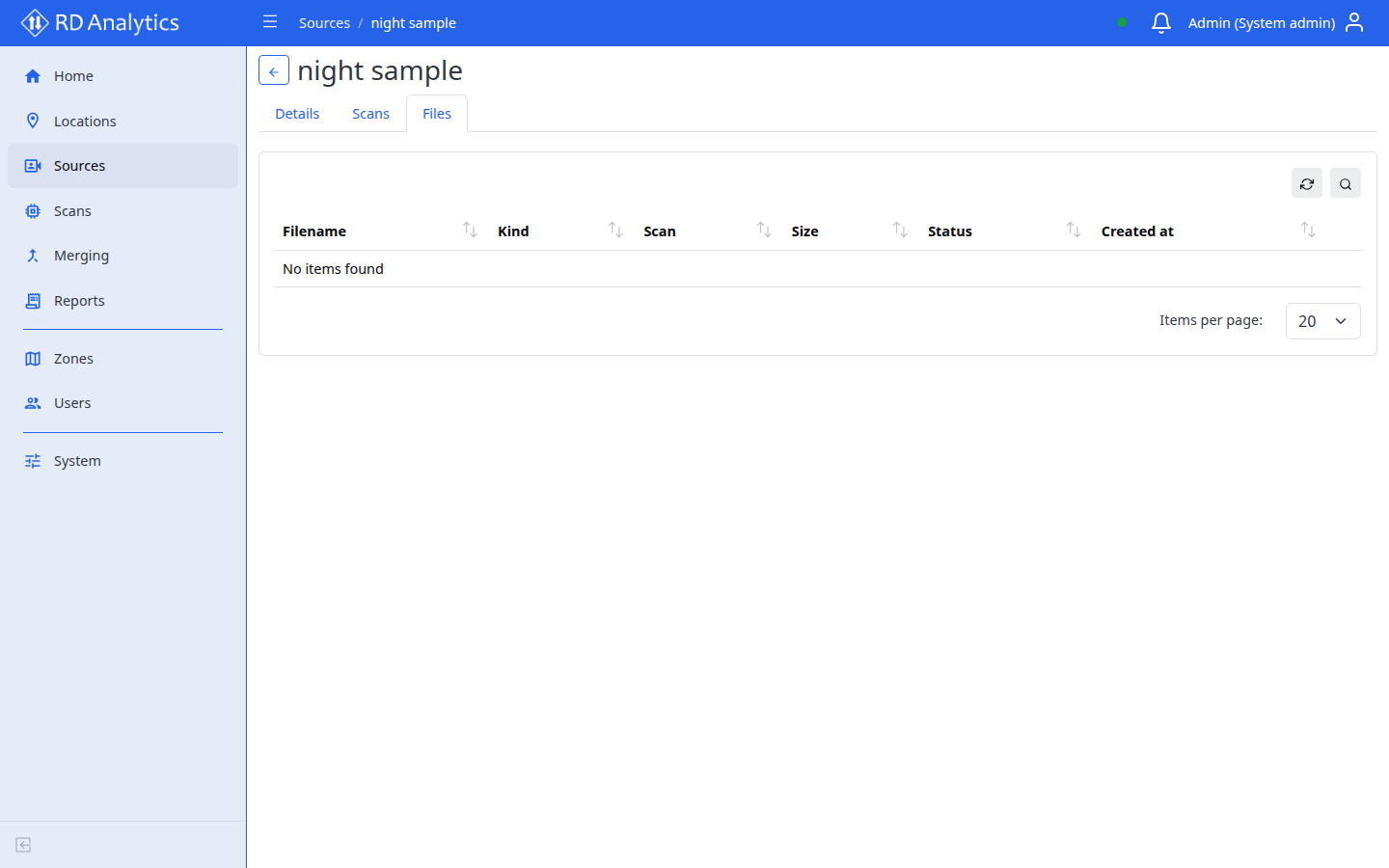
Open the tab
- Open a source from Sources.
- Select the Files tab.
Table columns
Typical columns include:
| Column | Description |
|---|---|
| Filename | Stored file name |
| Kind | File category |
| Scan name | Linked scan if applicable |
| Size | File size |
| Status | Processing state |
| Created at | Upload or creation time |
Use Reload to refresh after uploads complete.
When to use this tab
- Confirm upload finished after adding a source
- Check file status before starting scan processing
- Troubleshoot missing preview or failed ingest