Source scans tab
The Scans tab lists every scan on this source — each scan is a separate analysis setup (geometry, modules, outputs) for the same media. This tab is the primary place to add new scans.
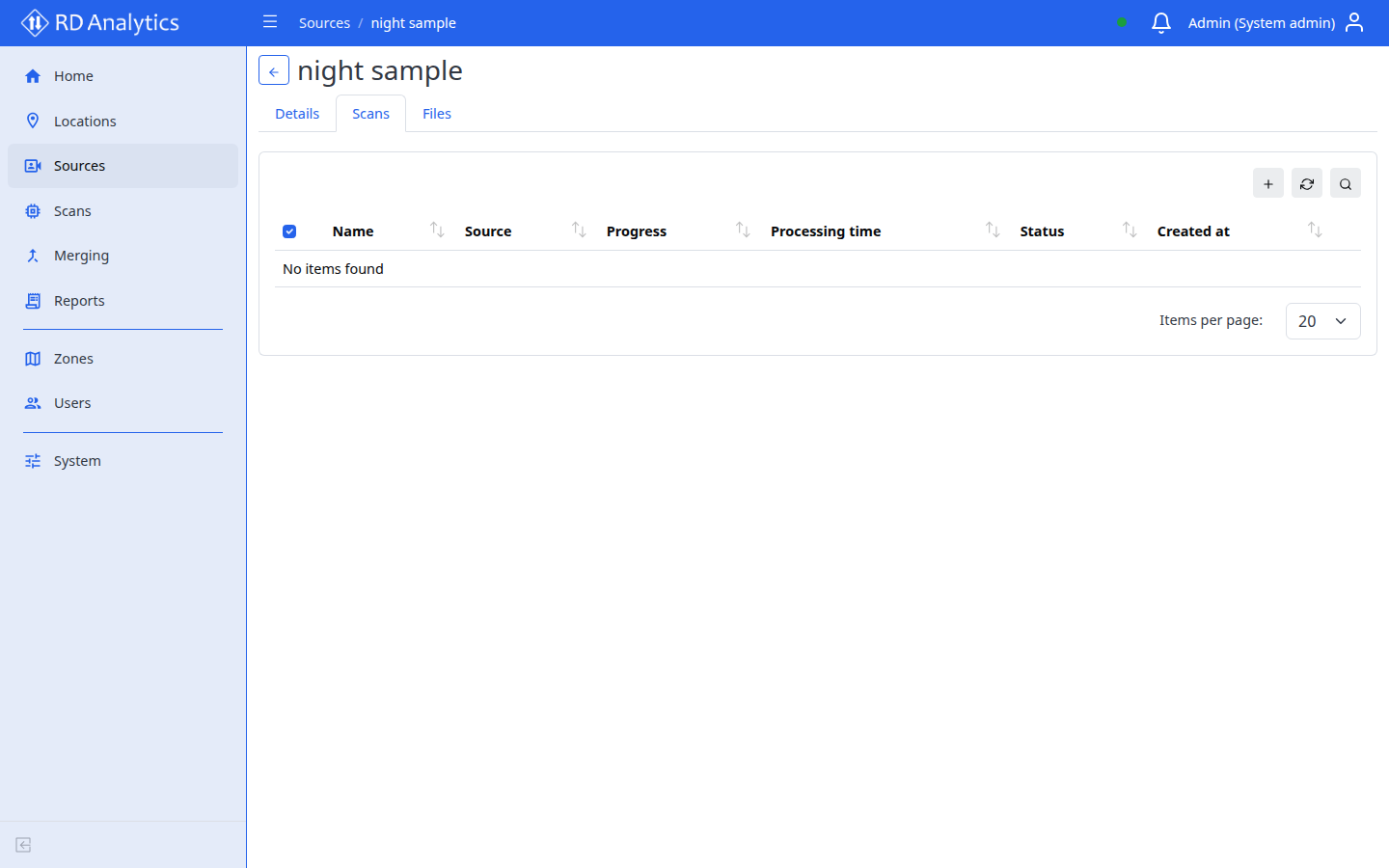
Open the tab
- Open a source from Sources.
- Select the Scans tab.
Table columns
| Column | Description |
|---|---|
| Name | Scan name (sortable) |
| Progress | Processing progress bar with percentage |
| Processing time | Elapsed time H:MM:SS or - |
| Status | Badge (DRAFT, PROCESSING, COMPLETED, etc.) |
| Created at | Sortable timestamp |
| Action | Run/stop, Edit, Clone, Delete |
Toolbar
| Control | Notes |
|---|---|
| Add new | Available on this tab only (not on the global Scans list) |
| Search | Filter by name |
| Reload | Refresh table |
| Delete selected | Bulk delete with confirmation |
Row actions
| Action | When enabled | Effect |
|---|---|---|
| Run/stop | Play: PENDING or FAILED; Stop: QUEUED or PROCESSING |
Start or stop processing |
| Edit | Always | Modal: Name, Description |
| Clone | Always | Copy scan to same or another source |
| Delete | Always | Remove scan |
Row click opens the scan configuration workspace.
Add a scan
- Select Add new.
- Enter Name (required) and Description.
- Select Save.
- Click the new row to configure geometry and settings.