Profile and password
Route: /account/profile (account menu → Profile).
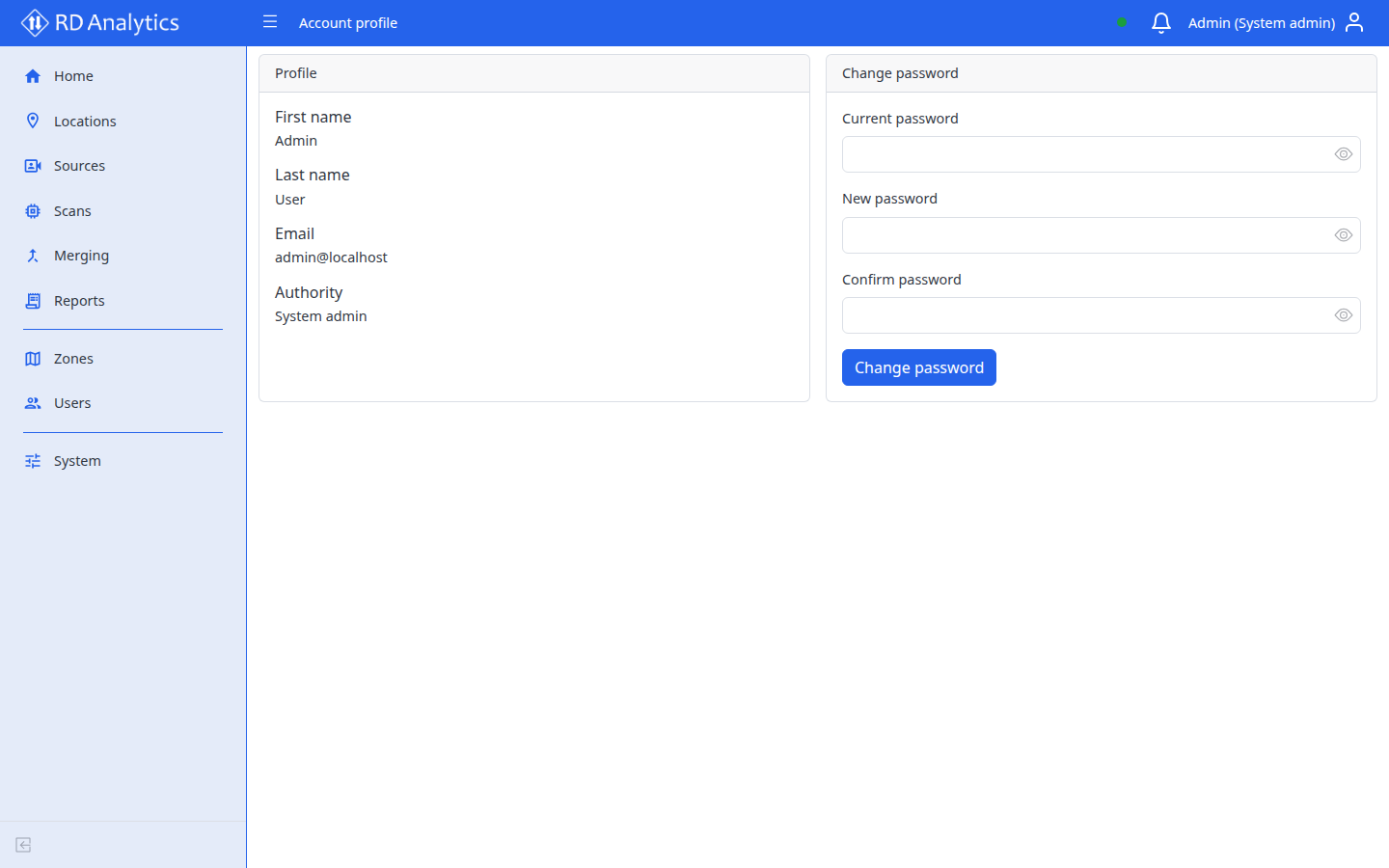
The profile page shows read-only account details and lets you change your password. The legacy /account/security route redirects here.
Profile details
| Field | Description |
|---|---|
| First name | From your user record |
| Last name | From your user record |
| Sign-in email | |
| Authority | Role label (for example System admin) |
To change name or authority, ask an administrator — those fields are managed on the Users pages.
Change password
| Field | Description |
|---|---|
| Current password | Required |
| New password | Must meet minimum length rules |
| Confirm password | Must match new password |
Select Change password to submit. Success message: Password changed successfully.
If the current password is wrong, the form shows Current password is incorrect.