User roles and access
Your Authority (role) controls which sidebar items you see and which actions you can perform.
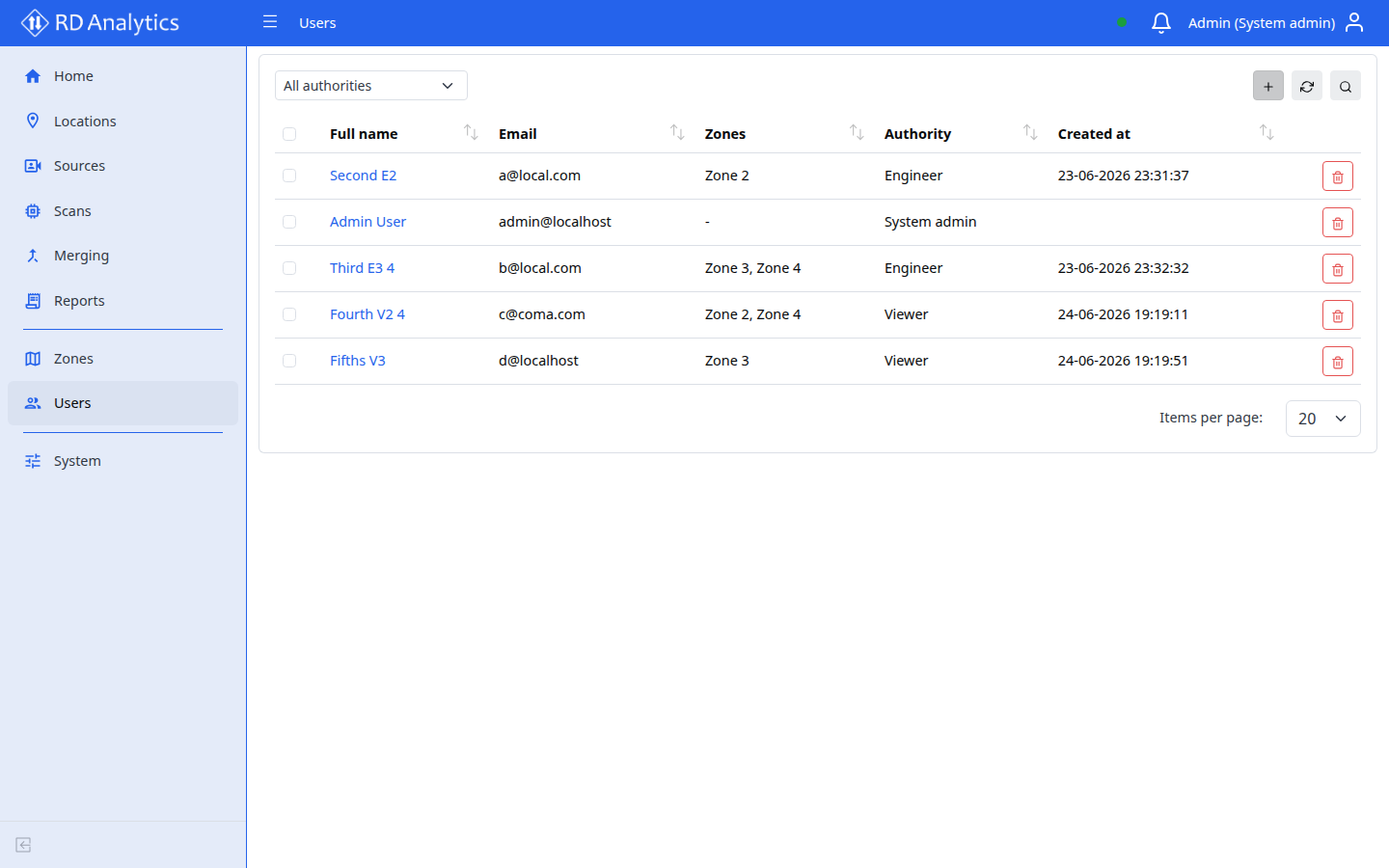
Authorities
| Authority | UI label | Sidebar access |
|---|---|---|
SYS_ADMIN |
System admin | Full |
ORG_ADMIN |
Organization admin | Full |
ENGINEER |
Engineer | All except Zones and Users |
VIEWER |
Viewer | Home and Locations only |
System admin and Organization admin have the same menu access in the current application.
What each role typically does
System admin / Organization admin
- Manage Users and Zones
- Configure System (General, AI-Models, Class groups, Licensing, Modules, Maintenance tab)
- Full data pipeline: Sources, Scans, Merging, Reports
Engineer
- Configure Locations, Sources, Scans, Reports, Merging
- Access System settings (tabs permitted by your role)
- Cannot open Zones or Users
Viewer
- View Home and Locations only
- Cannot configure sources, scans, or reports
If a menu item is missing
You may lack permission for that area. Ask a System admin or Organization admin to review your user record under Users → Authority and Zones.