Sign in and sign out
Access the application
| Environment | URL |
|---|---|
| Development | http://localhost:3000 |
| Installed server | http://<host>:9006 (default port) |
Open the URL in a supported web browser (Chrome, Firefox, or Edge recommended).
Sign in
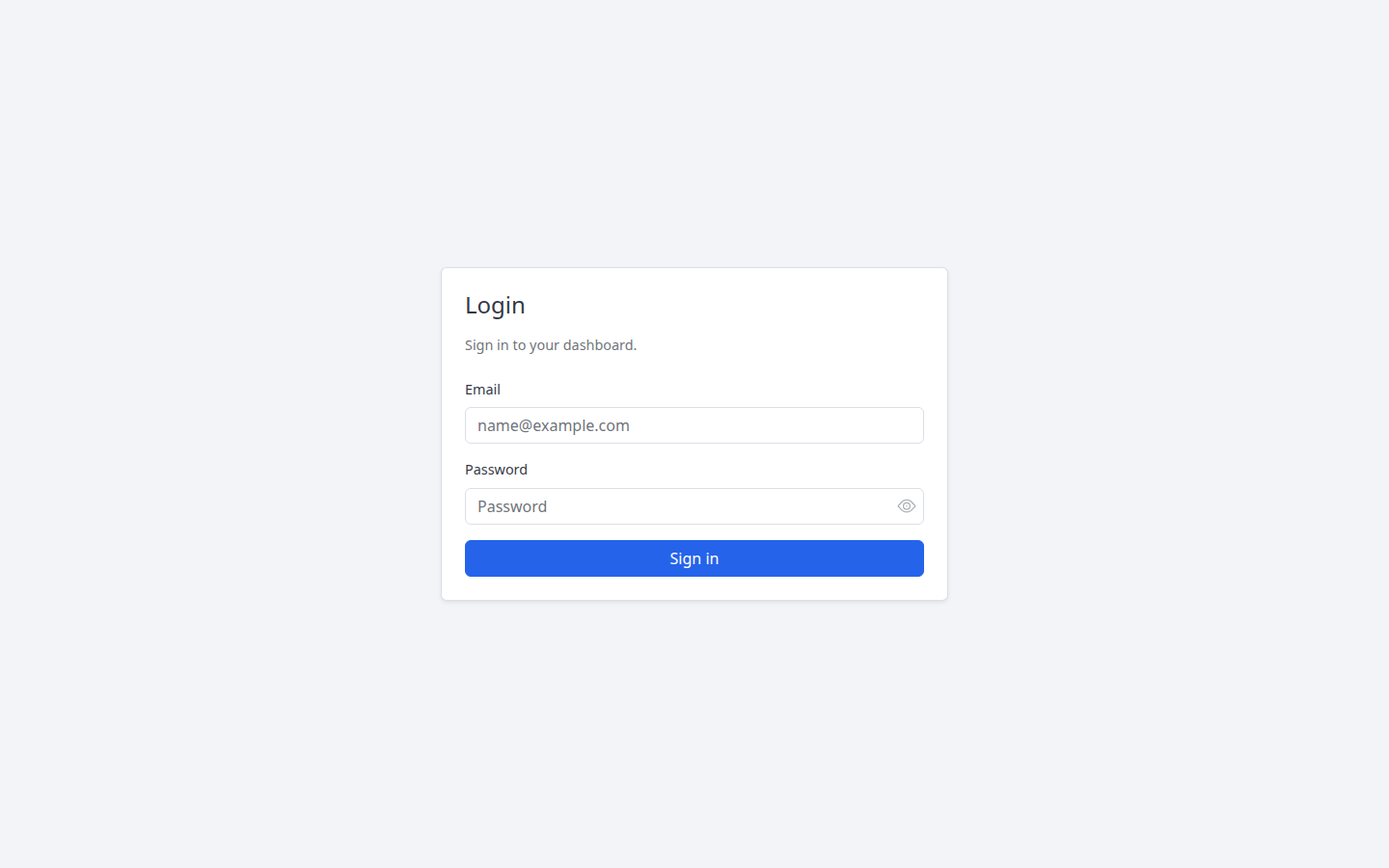
- Open the application URL.
- On the Login page, enter your Email and Password.
- Select Sign in.
Tip
Default development credentials (after init_db.py): admin@localhost / admin. Change the password after first install in production.
Common errors
| Message | Meaning |
|---|---|
| Email is required | Email field is empty |
| Enter a valid email address | Email format is invalid |
| Invalid email or password | Wrong credentials |
Forgot password
- On the login page, select Forgot password?
- Enter your email and submit.
- If an account exists, a reset link is sent (when email is configured on the server).
Message shown: If an account with that email exists, a reset link has been sent.
Sign out
- Open the account menu in the top-right (your name and user icon).
- Select Logout.