Locations overview
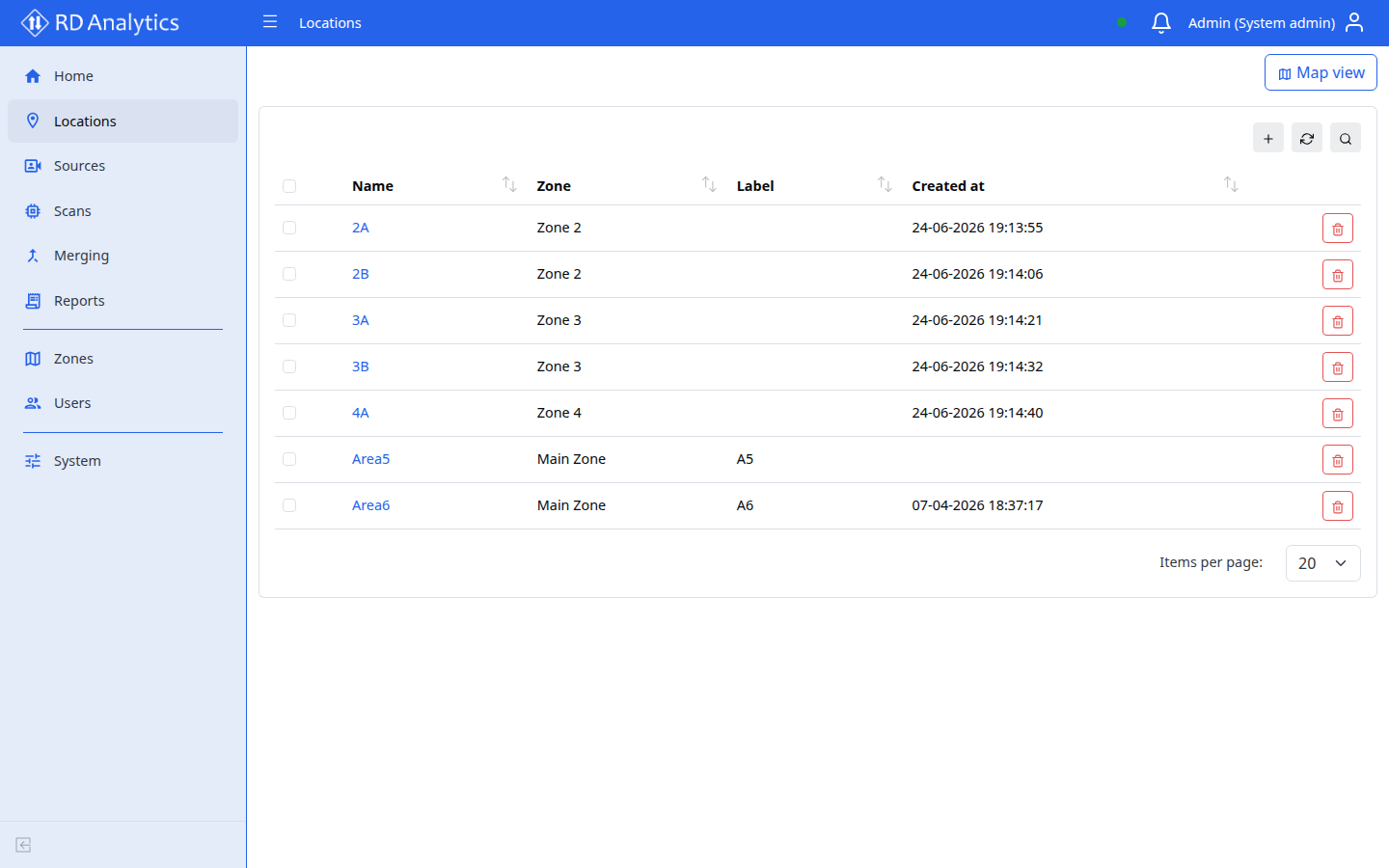
A Location is a physical or logical site — for example a junction, parking area, or facility. Locations group Sources (cameras and video inputs) and appear in filters across the application.
Who uses this
- All roles with Locations access (including Viewer) can browse locations.
- Engineers and admins create and edit locations when setting up the data pipeline.
Before you begin
- At least one Zone should exist if your organization uses zone-based access (admins create zones under Zones).
- Plan a clear naming scheme (for example
Site A — Main junction).
Key concepts
| Term | Meaning |
|---|---|
| Name | Primary identifier shown in lists and filters |
| Zone | Security/organization grouping assigned to the location |
| Label | Optional short tag for display |
| Description | Optional free text |
Common tasks
- Create and edit a location
- Location details
- Locations map — browse all sites on a map (
/locations/map)