Export and operations
Export report data from view mode (not while editing layout).
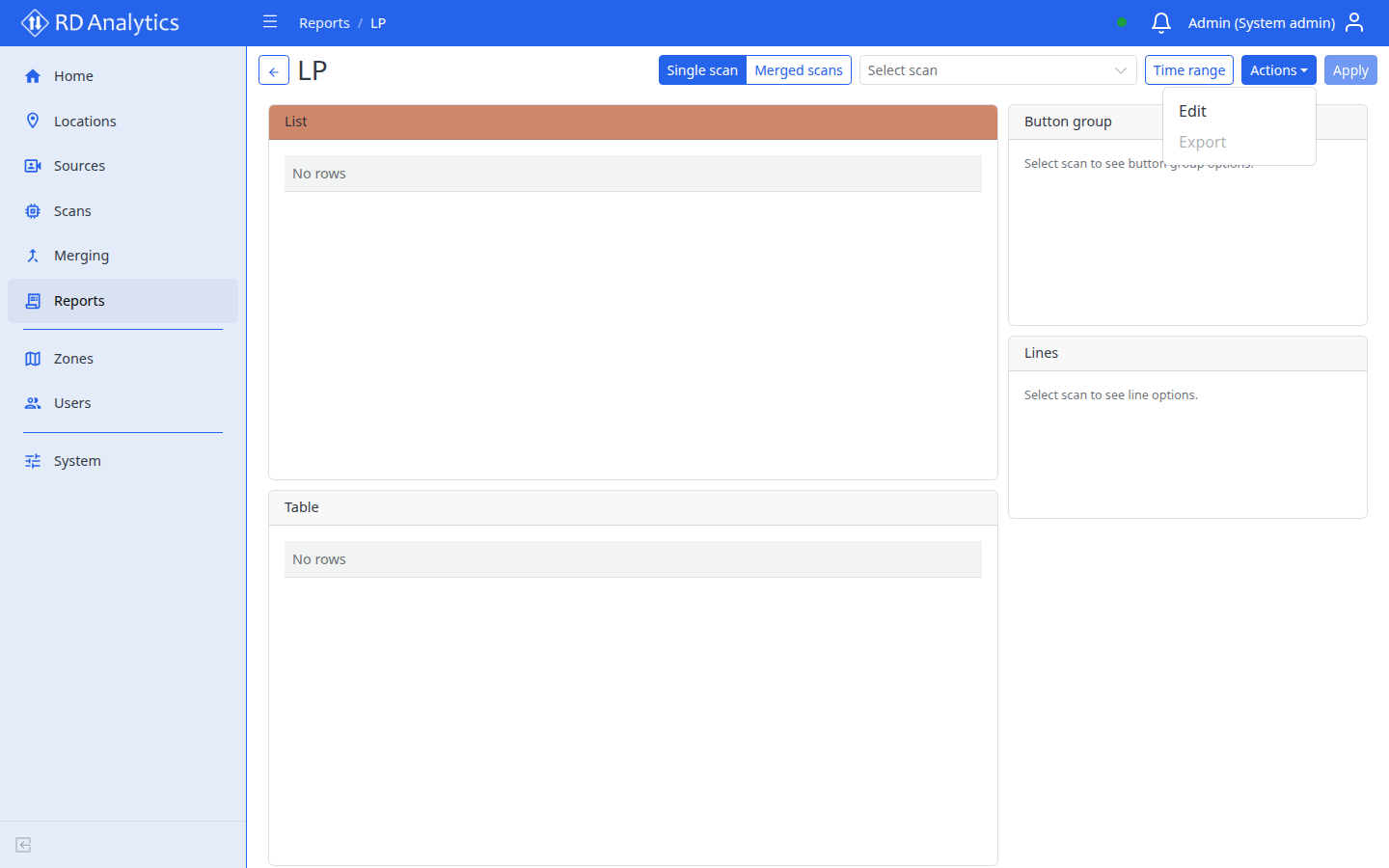
Export dialog
Open Actions on the view page and select Export. A modal opens:
| Field | Options |
|---|---|
| Format | CSV or Excel (XLSX) |
Select Export to download. The button shows Loading... while the export runs. Exports are disabled while data is loading or another export is in progress.
Per-widget Export actions (in layout controls) export a single widget as CSV without opening the modal.
Before exporting
- Select the correct Scan in the toolbar.
- Set Time range if needed.
- Select Apply so widgets show current data.
- Open Actions → Export → choose format → Export.