Sources overview
A Source is a video input — a file upload, batch of files, IP camera, RTSP stream, or sample media. Each source belongs to a Location and contains one or more Scans.
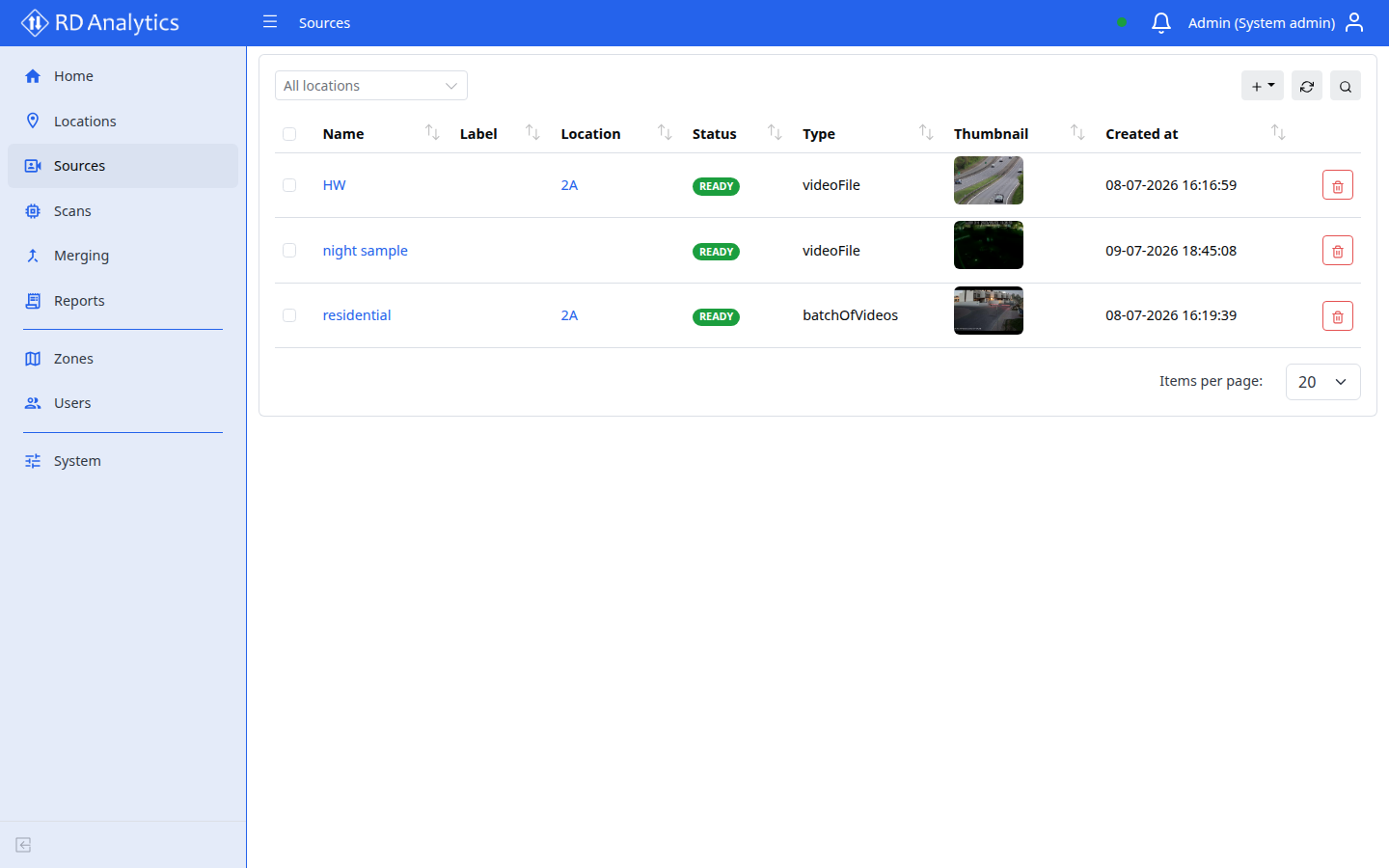
Who uses this
- Engineers and admins create and manage sources.
- Viewers do not have access to Sources.
Before you begin
- Create at least one Location.
- For file-based sources, prepare video files in a supported format.
- For streams, have connection details (URL, credentials) ready.
Key concepts
| Term | Meaning |
|---|---|
| Type | How media is ingested (Video file, RTSP stream, IP camera, etc.) |
| Status | Processing state (for example PENDING_UPLOAD, READY, FAILED) |
| Scans tab | Analysis configurations for this source |
| Files tab | Uploaded and stored media files |
Source types
| Type | UI label |
|---|---|
videoFile |
Video file |
sampleVideo |
Sample video |
sampleImage |
Sample image |
batchOfVideos |
Batch of videos |
ipCamera |
IP camera |
rtspStream |
RTSP stream |
imageFile |
Image file |