Scans overview
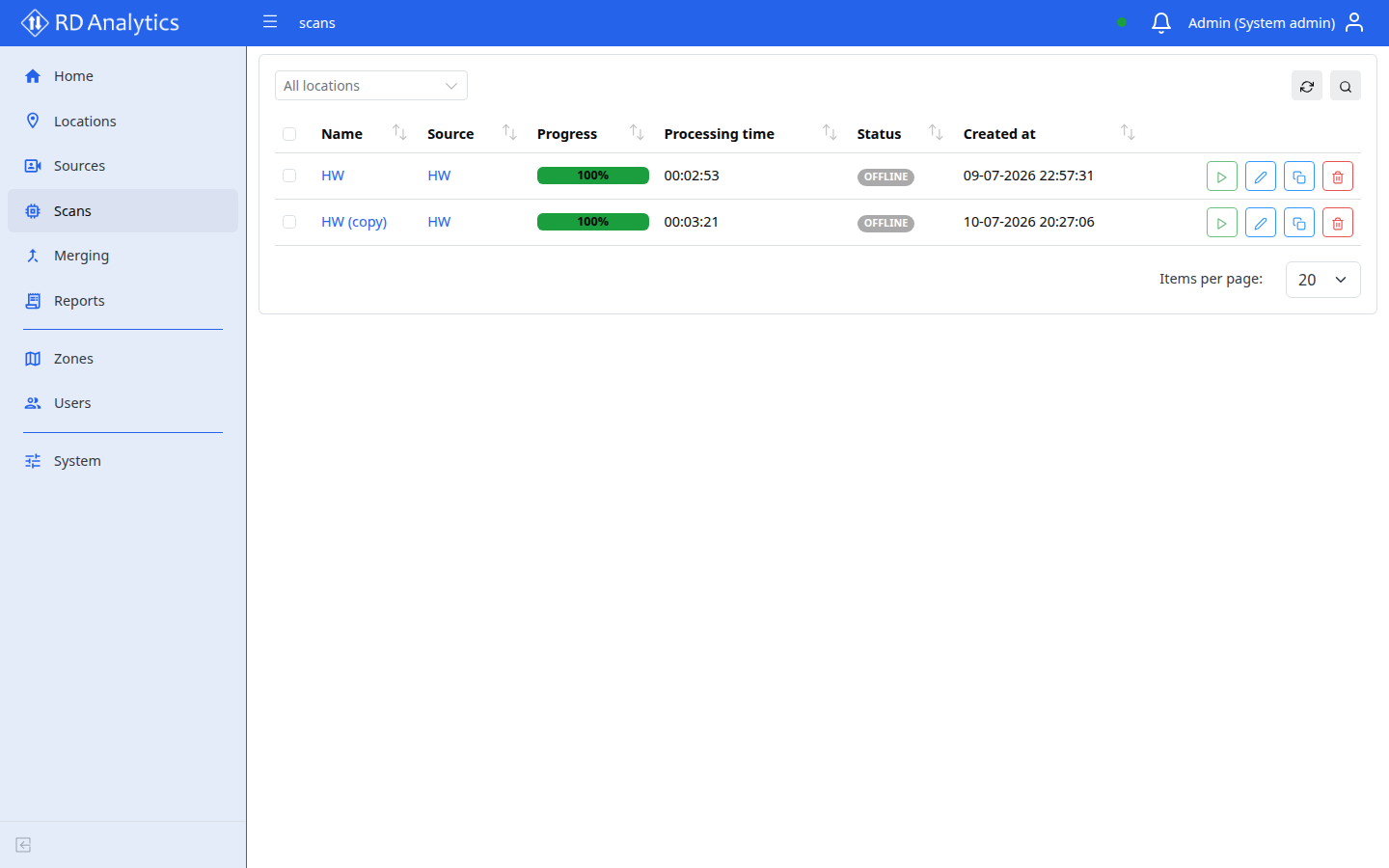
A Scan is an analysis configuration applied to a Source video stream or file. It defines AI processing modules, drawn geometry (lines and areas), and outputs (database events, recordings). Running a scan produces data for Reports.
Who uses this
- Engineers and admins configure and run scans.
Before you begin
- A Source with media in
READYor processable state. - Installed pipeline Modules on the server (see System → Modules).
Key concepts
| Term | Meaning |
|---|---|
| DRAFT | Configuration editable; video preview available |
| PENDING | Ready to queue for processing |
| PROCESSING | Engine is running the pipeline |
| COMPLETED | Results available for reports |
| Geometry | Lines, areas, and zones drawn on the video frame |
| Slots | AI processing, draw, and output sections in settings |
Where to manage scans
| View | Route | Best for |
|---|---|---|
| Global list | /scans |
All scans; filter by location |
| Per-source list | Source → Scans tab | Add new scan |
| Configuration | /sources/{id}/scans/{scanId} |
Full editor |
Common tasks
- Scan list
- Open and configure a scan
- Video, timeline, and preview
- Geometry editor
- Scan settings
- Run, stop, and statuses